Showing posts with label questions. Show all posts

Monday, June 24, 2013

App Review: Question Builder

When I first got my iPad in August of 2011, I was so excited!  To get started, I had purchased an iTunes card so that I could add a few apps.  At that time, there weren't nearly as many apps designed for speech and language use on the market as there are today.  This was one of the very first apps I purchased on my very first day of being an iPad user...


Question Builder by Mobile Education Store "is designed to help elementary aged students learn to answer abstract questions and create responses based on inference."  Who doesn't have students on their caseload working on improving their ability to answer questions?  I know I do!

Getting Started:

The first tab along the bottom of the app is the "Info" tab.  Selecting this tab will give you a written description of the app:


When you first open the app, you will be taken to the "Settings" portion.  You will be prompted to enter a new student for data collection purposes.  The app will automatically start up with the last student who used the app.  You can easily change the student or add a new student by tapping "Not You?"


From the settings screen, you will choose the settings you want for each specific child.  You can target questions by specific type (Why, Where, How, What) or include a variety of types (Random).  As with most of Mobile Education Store's apps, there are multiple levels of play.  You can also select color code reinforcement, text reinforcement, and audio reinforcement.  More on all of the settings in just a moment!

Once you have your settings selected, tap "Play" to begin!  Regardless of the settings you have chosen, you will be shown a picture and asked a question.  The student then needs to select the correct answer and tap select. They can also repeat the question if they need to do so.


If the student is incorrect, they will receive verbal feedback (e.g,. "That's not quite right," "You are really trying," etc.).  If correct, they will either receive auditory feedback alone, or receive feedback with a reinforcement cartoon like this car that popped up and danced after the correct response was given:


Now that you have an understanding of the premise of the app, I'm going to go back and talk about the different settings that are available.  First up, Level of Play:


  • In Level 1, the student will be given three possible responses to choose from when selecting their answer.  
  • In Level 2, they are given 4 possible responses.
  • In level 3, they are given 5 possible responses.

Level 2 - 4 possible responses
Color Code Reinforcement:

Notice the red bar along that top that contains the target question?


Turning color code reinforcement off will remove the red bar:

Color code reinforcement removed from a Level 3 question
Deselecting Text Reinforcement will remove the question entirely:


This is a great option when you are working on auditory comprehension tasks and don't want a student to rely on reading the question.

If you have Audio Reinforcement selected, Question Builder will repeat the correct answer (e.g., "That's right.  The beaver ate the tree.").


Stats:
The last tab from the bottom menu (technically the 3rd, but it's the last one I'm talking about) is "Stats."  This is where you will find all of the data collection for your students.  You do not get percentages.  Rather you will be able to see how many correct answers a student got on the first, 2nd, and/or more attempts.  You can fairly easily calculate a percentage by adding up the total.  For example, in the screen below, this student got 70% of Level 1 questions correct on the first attempt and 30% correct on the 2nd attempt.  They got 75% of Level 2 questions correct on the first attempt and 25% on the 2nd attempt.


That's pretty much everything you need to know about Question Builder!  Here's what you should take away...

The Pros:
  • Question Builder allows for multiple levels of play and a variety of supports, so you will be able to use this app for a wide age range of students.
  • The reinforcement cartoons are cute and the kids always want more of them!  ("Can you make the car come back Mrs. Manchester?" -- "Nope. Only you can do that by answering more questions!")
  • I've yet to have a student use this app and tell me they are done before I'm ready for them to be done...meaning that they have been actively engaged and entertained while working on needed language targets!
  • Data collection!  Data collection is always a nice feature in an app and I don't mind that you don't get a percentage.  Like I said, it's fairly easy to calculate.  

Changes I would like to see in an update:
  • Most of my students are non-readers.  It's great that this app reads the questions aloud.  However, there is no option to have the response choices read aloud.  I end up reading the choices myself, which works fine, but it's always nice to have a read aloud option.
  • The data is cumulative...you can't view statistics from different dates.  This makes it difficult to montir progress.  You could jot down your data, reset the stats, and keep a record of a child's progress over time.
The Bottom Line:
Question Builder is a great app for working on a student's ability to answer questions.  The limitations are minimal and easily overcome.  The app has built in reinforcement that increases student motivation.  There are multiple levels and that allows you to use this app with a variety of age ranges.  Question Builder was one of the very first apps I bought when I first got my iPad and it was well worth the price ($5.99 in iTunes)!

Do you use Question Builder?  What is your favorite feature?


I do have a code for this app to give away, but you will have to keep your eyes on the Facebook page for more info!!

Disclaimer:  I was given a code for Question Builder to give away (I purchased my own copy), but the opinions expressed are mine alone. :)

Monday, May 20, 2013

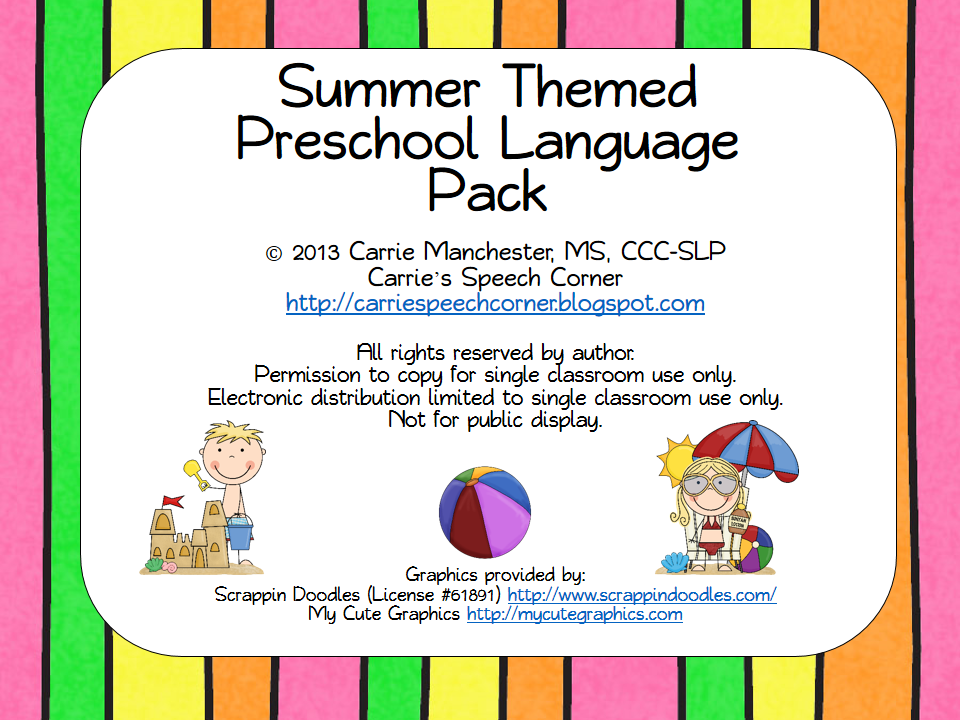
Summer Themed Preschool Language Pack

I've been seeing lots of SLPs across the country posting their countdowns on Facebook.  "___ days left of school!"  My district starts AFTER Labor Day and, instead of one week off in March, we get two weeks off (one in February, one in April).  Add to that the number of days we've had to take (Hurricane Sandy, the Blizzard, etc.) and I will literally be in school until the end of June.  But, like the rest of you, I'm counting down the days until my summer vacation.  So, I was very inspired by some clip art I got from Scrappin' Doodles to create a new packet!


This packet targets the most common speech and language objectives I work on with my preschool-aged students.  Here's what you get:

Subjective Pronouns (6 pages).  Students will describe pictures using the words “he,” “she,” and “they.”


Yes/No Questions (4 pages).  Students will answer yes/no questions about the pictures.


Possessive Pronouns & Is/Are Verbs (2 pages).  Students take turns giving small tiles (20 total) to the boy and girl and completing the sentences (e.g., “The dog is his” or “The glasses are hers.”)


WHO Questions (3 pages).  Students will answer the questions about the children in the pictures.


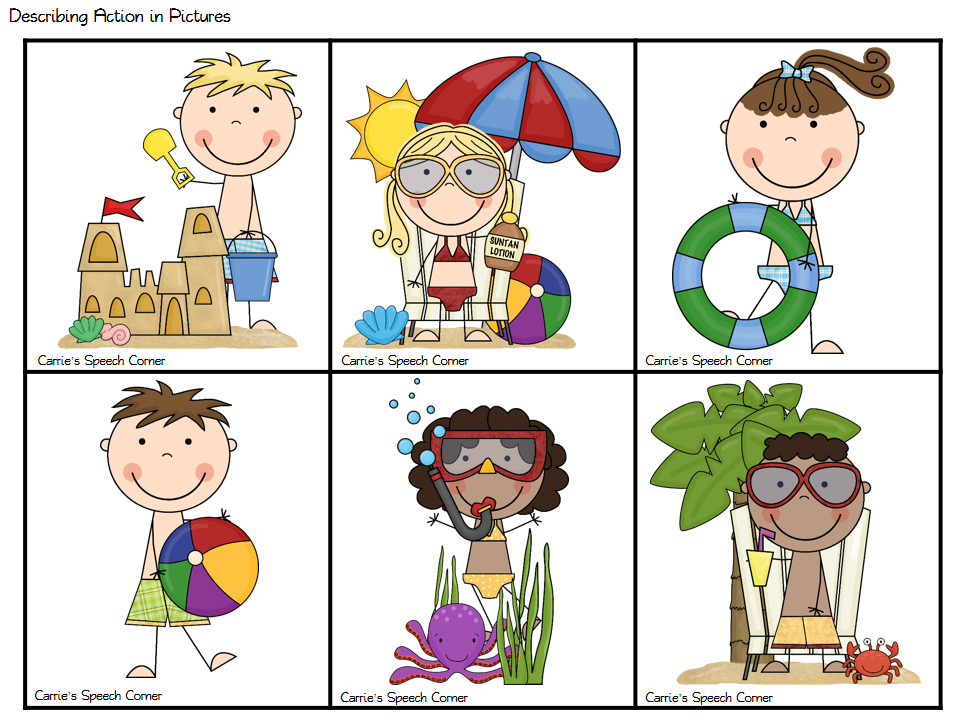
Describing Action in Pictures (2 pages).  Students will describe the pictures using verb +ing and S-V-O formats.


Plurals (2 pages).  Students will use the correct plural form to describe the pictures.


WHERE Questions / Prepositions (4 pages).  Students will use prepositions to answer WHERE questions.


Game Board (1 page).  You can use the game board on its own or in conjunction with the activities in this packet.


And there you have my "Summer Themed Preschool Language Pack!"  You can access this product in my TPT store HERE.  I'm giving away 3 copies!  You can enter to win using the rafflecopter below!


Wednesday, January 30, 2013

App Review: Language Empires


Hey Everyone!  Back with another FABULOUS APP by Smarty Ears!  And here to review it for us is my friend and colleague, Stephanie.  Stephanie works in the same school as I do, servicing students in grades K-5.  Take it away ...


Smarty Ears has recently released a new app called Language Empires ($29.99 in iTunes).  This app targets 8 different aspects of language:

  • Figurative Language
  • Vocabulary
  • Inferencing
  • Which questions
  • Why questions
  • How questions
  • Sequencing
  • Predicting.  


As you open the app, you will notice that you have a few options listed at the bottom.  Visit the City and Quick Play get you playing the game immediately.  The Support button leads you directly to the Video Tutorial for the game.  The video is a comprehensive overview of the app, narrated by one of the app developers – who is also a speech pathologist.  That’s always a bonus!  Who better to develop an app for speech pathologists?  I would recommend running quickly through the tutorial because it’s a fast way to understand all the features and settings of the app for those of us who just want to take and go. 


When you decide to visit the city, you will be prompted to enter in your student’s names.  You can choose an avatar or use a real picture to represent your students. 


Once you have chosen your players, you are presented with a map of the empire.  The empire consists of little areas devoted to each of the 8 target skills.  Simply drag the players into the area you would like to them to target.


You can further customize their play by selecting a level of difficulty within each target area.  There are 2-3 levels of difficulty per area. 


Once everyone is in the right location, you can move right into the questions.  Students will immediately begin answering questions regarding their language target.  These questions are read aloud to the students and feature a small coordinating picture and multiple choice responses. 

Inferencing: 


Figurative Language:


Vocabulary:


Which Questions:


How Questions:


Why Questions:


Predicting:


Sequencing:


After you have finished playing, you may go back to the home screen and find the Report section.  You are able to view, share or email students results.  Students might like to see all of the trophies they accumulated along the way. 


Pros of the app:

  • I like the fact that you can work on so many different language targets all in the same place!  It was great for those groups of kids that all have different goals. 
  • The idea of levels within each skill area provides allows for greater customization.
  • The graphics and music were engaging enough to keep the interest of my students.

Future app update recommendations:

  • It would be great is there was a sense of “game play” between the different players.  Once you are playing, the questions are asked back to back with no feel of moving from one area to another for the next players turn. 
  • When the questions are on the screen, all players are listed at the bottom, with no indication as to whose turn it is.  I would love to see only that player’s avatar at the bottom, so that I didn’t have to remember who was in what area.   

Bottom line:

My student’s and I definitely enjoyed playing this app.  Everyone was happy and engaged - which is a sign of an effective and productive speech session in my book!  I feel like this app is best suited for Grades 3-5.  However, you could use it for slightly younger children as well, if you take more time to explain every question and really talk it through.  I would definitely recommend this app to anyone looking to add a versatile language tool to their iPad toolbox!

I would like to personally thank Carrie for being a wonderful colleague and friend.  It was so sweet of her to pass along this app for me to review with my older students. 

DISCLAIMER:  Although a copy of this app was provided to me in exchange for my review and another for the giveaway, the thoughts and opinions are my own.  (Thank you Smarty Ears!  I love all of your apps!)


Stephanie


Another disclaimer:  I did not pay/compensate Stephanie in any way for the kind words!  :)  If you would like to enter for a chance to win a copy of Language Adventures, you can do so using the Rafflecopter below!


Thursday, December 20, 2012

Guest Post: New Years Packet from Home Sweet Speech Room

Today's Guest Post is from Carissa Ten Hoeve.  Carissa graduated in May from Calvin College with her B.A. in Speech-Language Pathology and Audiology and Spanish and is now a graduate student at Saint Louis University. She is passionate about developing new and exciting therapy materials for her students! 

I'm so excited to be a guest blogger today!  I love the SLP community and all of the sharing that happens.  I just started this venture of sharing my materials, so I hope you like them!

A lot of people have been requesting receptive language activities, so I thought I would make one with a theme of New Year's.  This pack is a 31 page download.


The first activity is Decorating: Following Directions. Students will draw streamer cards and complete the task listed on the cards.


If they complete the task correctly, they place the card on their New Year's student mats. Watch for the special cards, where you can lose a turn or get an extra turn!


The second activity is Party Hats: Answering WH-Questions.  In this activity, students will draw cards and answer the WH-question listed.  If answered correctly, the student keeps the card.  


Watch out for special cards, where you must put back all of your cards!


The final activity is Making Predictions. Students will draw cards with a scenario on them and will make a prediction. 

If answered correctly, the student moves forward one space on the game board. 


You can download this freebie HERE.

For more activities and ideas, visit homesweetspeechroom.blogspot.com, my Facebook page, or my TPT store


Thanks for sharing Carissa!  If you are interested in writing a guest post, contact me at cmanchester57@gmail.com.


Saturday, November 17, 2012

Book of the Week: "The Gingerbread Pirates."

Thanksgiving is Thursday and the stores are already decked out for Christmas.  That means December is right around the corner!  I have a few students who do not celebrate Christmas (or Hanukah for that matter).  Because of this, I tend to do a Gingerbread theme in December.  Some of the books I have do have Christmas elements, so I don't necessarily use all of them with each group.


To kick off the Gingerbread theme, and to join up with Lauren's Linky Party at Busy Bee Speech, I'm sharing my Book of the Week a little early (since I won't actually be using this book in therapy for a couple of weeks).  One of my favorite variations of the Gingerbread Man stories is "The Gingerbread Pirates" by Matt Tavares.

In this story, a boy and his mom bake cookies for Santa.  (If you do have kids who do cannot participate in Christmas activities, this book may  not be the best choice.).  The boy, Jim, makes a pirate crew and wants to save "Captain Cookie" and some of his mates.  The book tells of the adventure of Captain Cookie, who is trying to save the rest of his crew from being eaten by Santa, the cannibal.

The book definitely has some higher level vocabulary, including:  cutlass (sword), cannibal, prison, cliff, astonish, wounded, glittered, mantle, etc.  You can simplify it for the little ones, or expand on the vocabulary with the older students.

To accompany the book, I've created this open-ended game board:


I've also created some WH- question cards (2 pages) related to "The Gingerbread Pirates."

You can download both activities from my TPT store.  The graphics for both activities are by Scrappin Doodles.

Hope you like them!

Related Posts Plugin for WordPress, Blogger...